
Getting familiar with advanced trading platforms step by step
Most beginners expect trading to feel complicated. Then they open a platform like mt5 and realize something unexpected. The complexity is there, yes. But it is organized.
Modern trading software is built to handle multiple markets inside one interface. Currencies, commodities, indices, sometimes even cryptocurrencies. Everything appears inside one structured environment.
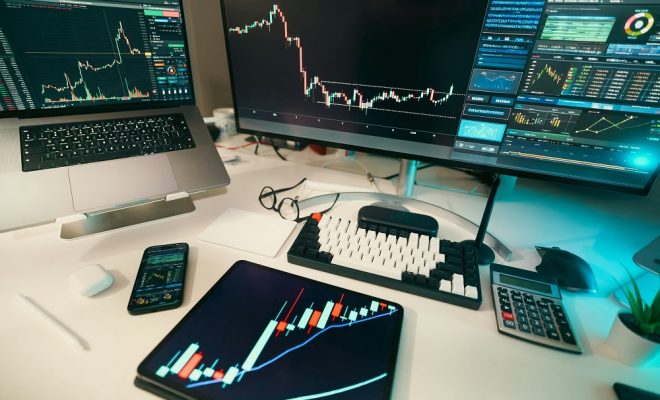
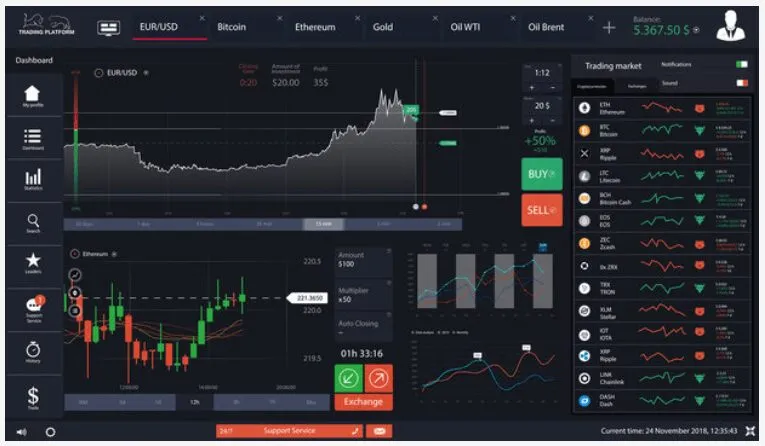
At first glance, the screen may look crowded. Price charts, numbers, panels, toolbars. It can feel like stepping into a cockpit.
But once you spend time inside it, the layout starts making sense.
Menus control tools. Charts display movement. Panels manage open positions. It is less chaos and more structure than it appears at first.
Tools available for market analysis
A trading platform is not just for placing orders. It is built for analysis.
Inside the software, traders can access:
- Multiple time frame charts
- Technical indicators
- Drawing tools
- Economic calendar access
- Trade history logs
These tools allow users to study price movement before making decisions.
Some traders use only a few indicators. Others experiment with combinations. There is no rule that says you must use everything available.
Sometimes beginners overload their charts with too many indicators. Lines everywhere. Signals everywhere.
Clarity usually works better than clutter.
Charting features explained simply
Charts are the center of the platform experience.
Users can switch between line charts, bar charts, and candlestick charts. They can zoom in to see minute by minute price movement or zoom out to view long term trends.
Time frames range from one minute to monthly charts.
And this flexibility matters.
Short term traders may analyze five minute charts. Longer term traders prefer daily or weekly views. The platform allows both approaches without switching systems.
Customizing chart colors and layout also helps. Some traders prefer darker backgrounds. Others prefer lighter ones.
Small adjustments make long hours more comfortable.
Order execution process
Placing a trade inside the platform follows a simple flow.
Select the asset.
Choose buy or sell.
Enter position size.
Set stop loss and take profit levels if needed.
Confirm.
Execution is usually quick, depending on market conditions.
One important detail is understanding the difference between instant orders and pending orders. Instant orders execute immediately.
Customizing the trading interface
Users can rearrange panels, resize charts, detach windows, and save layout templates.
For example:
- Watchlists can be created for favorite assets
- Indicators can be saved as presets
- Alerts can be set for specific price levels
These features may not seem exciting at first. But over time, they create efficiency.
A comfortable layout reduces friction. And less friction means fewer mistakes.
Sometimes beginners ignore customization and struggle with a layout that does not suit them.
Small adjustments change the experience significantly.
Why platforms matter for strategy
Strategy does not exist in isolation. It depends on the tools used to apply it.
A strong trading idea without proper execution tools becomes difficult to manage. Platforms like mt5 allow users to test strategies, apply indicators, and review performance history.
There is also automation capability.
Some traders use algorithmic systems that execute trades based on predefined rules. Others prefer full manual control.
The platform supports both approaches.
And that flexibility matters because traders evolve over time. What works in the beginning may change later.
Getting comfortable with a trading platform is not about memorizing every button. It is about understanding workflow.
The first experience may feel overwhelming. That is normal.
But with repetition, navigation becomes natural. Tools become familiar. The interface starts to feel less like a machine and more like a workspace.
That shift usually happens quietly.
And once it does, confidence grows not from guessing, but from control.